
Industrial Alarm Monitoring
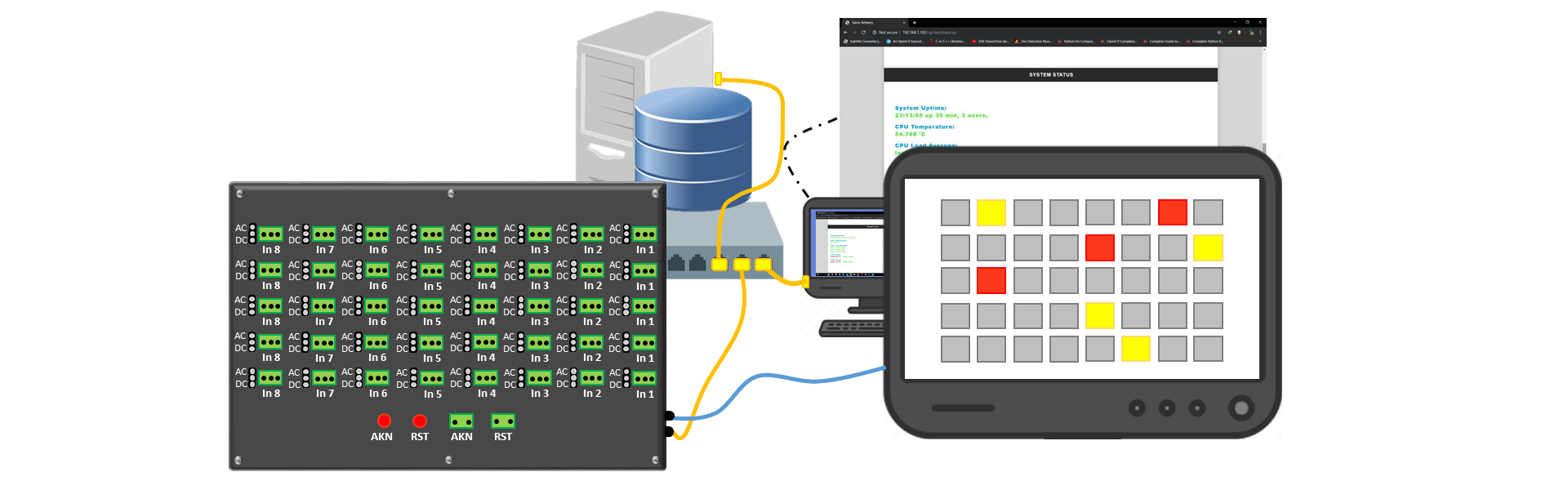
A Raspberry Pi monitoring system bringing 40 alarm inputs, a local operator interface and network access into one application.
Software development and system integration
My contribution
Software development and system integration
I developed the Python monitoring software, PyQt operator interface and integration of hardware input states, local event records and networked access. The custom input-board hardware was designed by Mohammad Khodadadeh; Hossein Aalamshahi managed the project.
Team & credits
- Mohammad Khodadadeh — Hardware design
- Hossein Aalamshahi — Project management
Delivered scope
A monitoring-system implementation spanning hardware inputs, the operator interface and database-backed event records.
What stands out.
- 40 configurable AC/DC inputs
- Physical, HDMI & browser controls
- Standalone records & networked monitoring
From the problem to the implementation.
The problem
Industrial operators need to see input states, understand alarm events and retain a useful history across local and networked workflows.
The approach
- Connected configurable AC/DC alarm inputs to a Raspberry Pi-based application.
- Built a PyQt interface for input status and operator interaction.
- Combined local event storage with network and web components for monitoring.
Result & scope
A monitoring-system implementation spanning hardware inputs, the operator interface and database-backed event records.
Implementation choices and demonstrated scope.
Engineering decisions
The implementation supports standalone records alongside networked SQL Server access. Physical acknowledge/reset inputs, PyQt on HDMI and a local browser interface provide three operator paths.
Validation & evidence
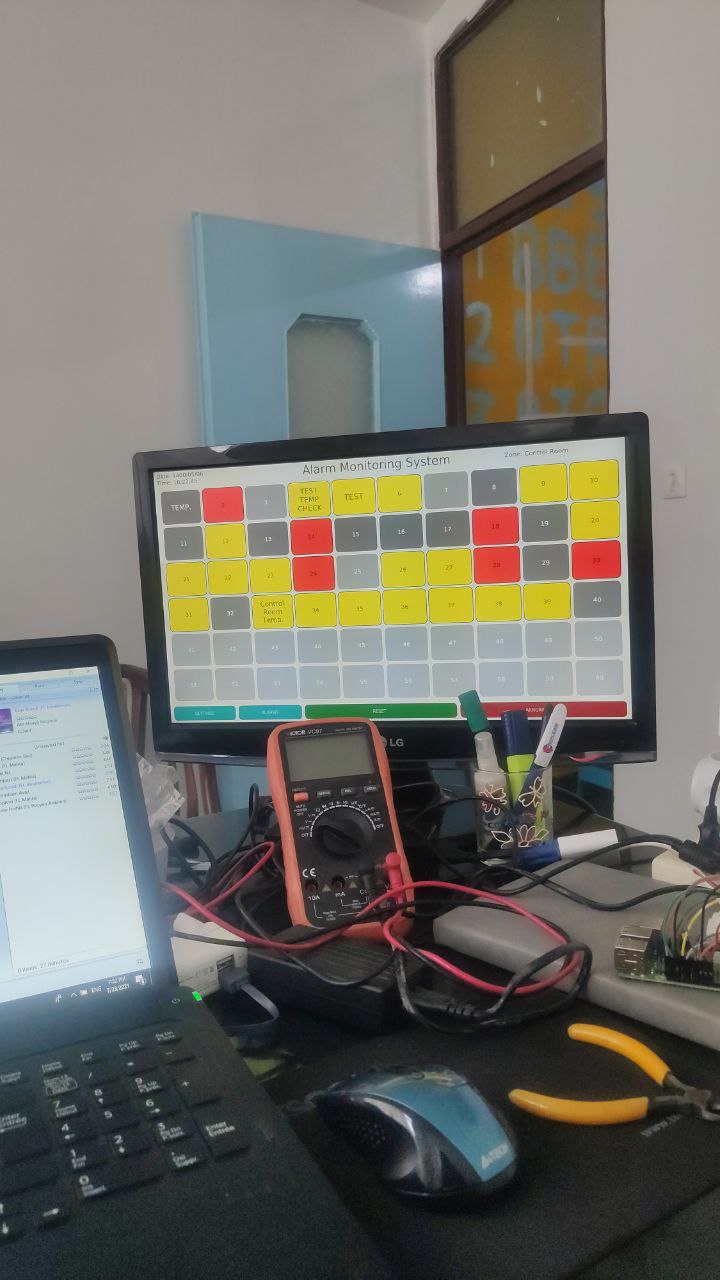
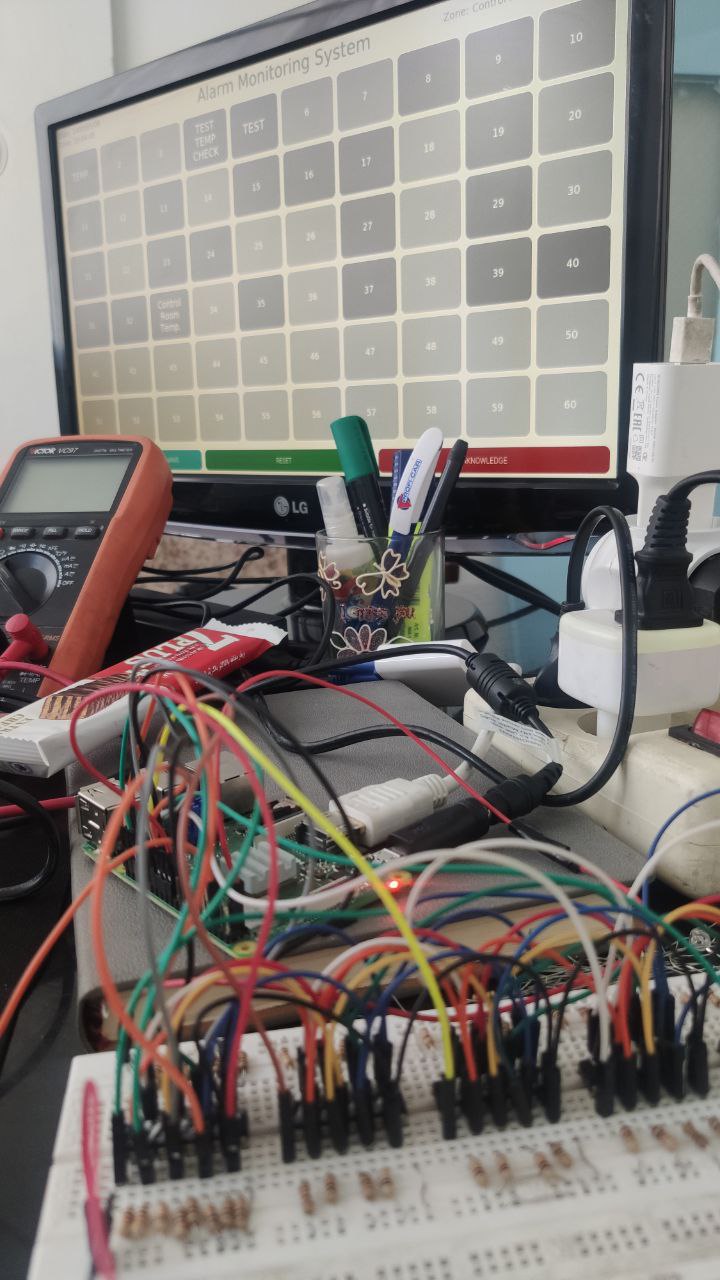
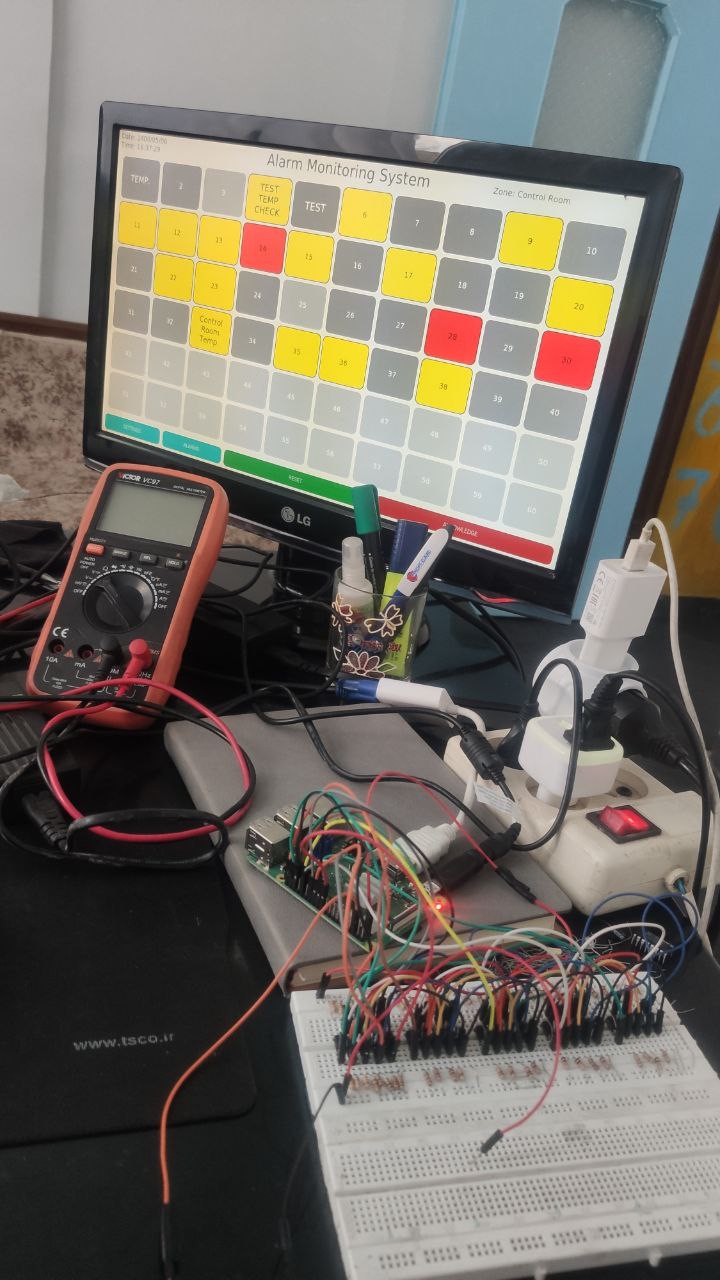
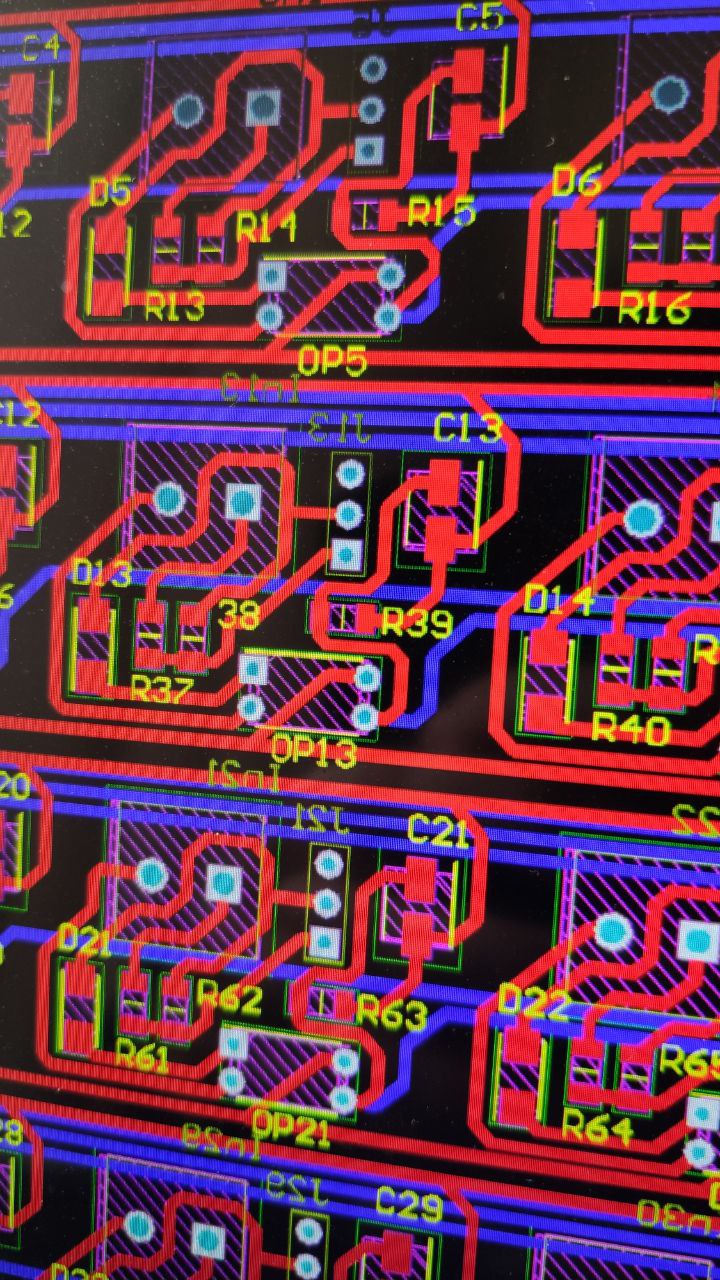
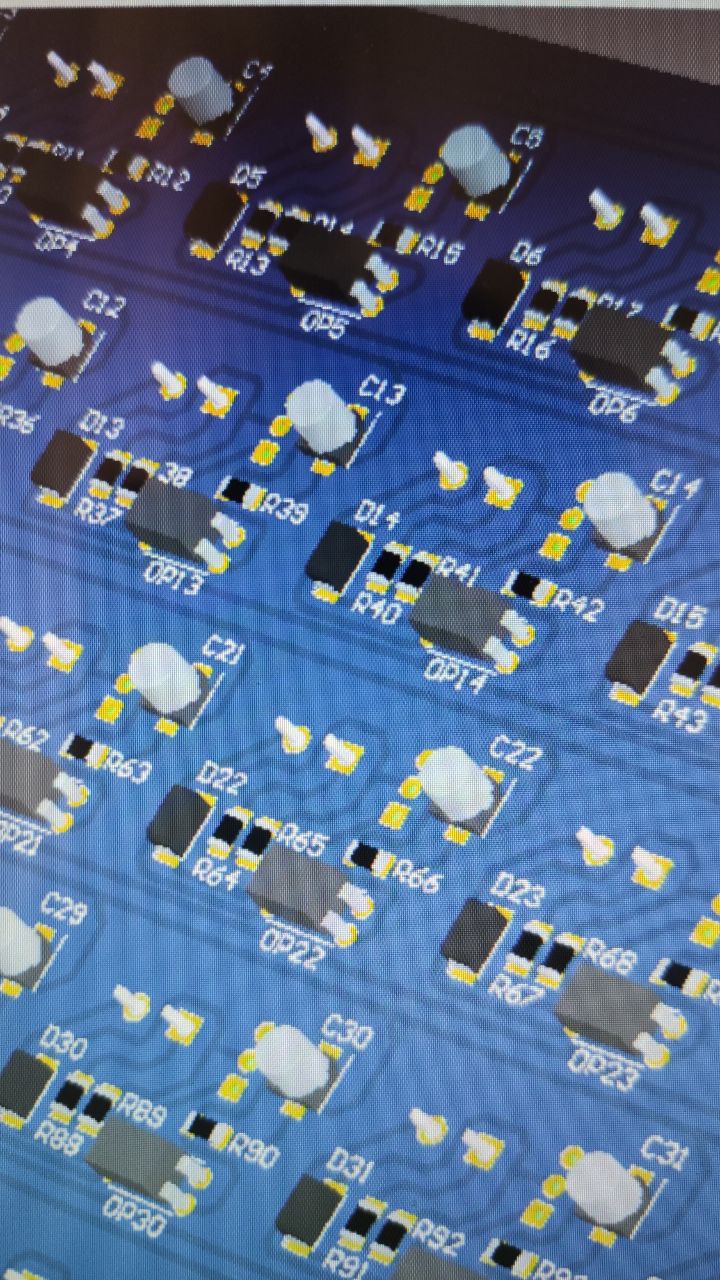
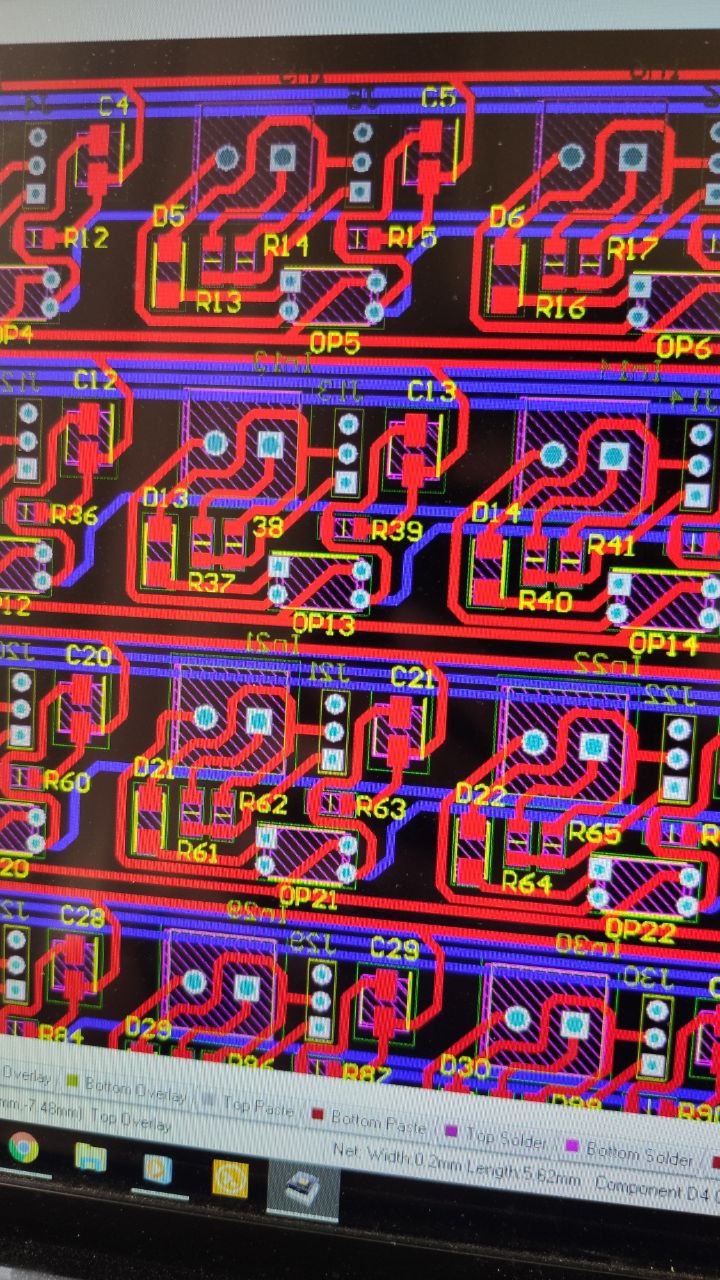
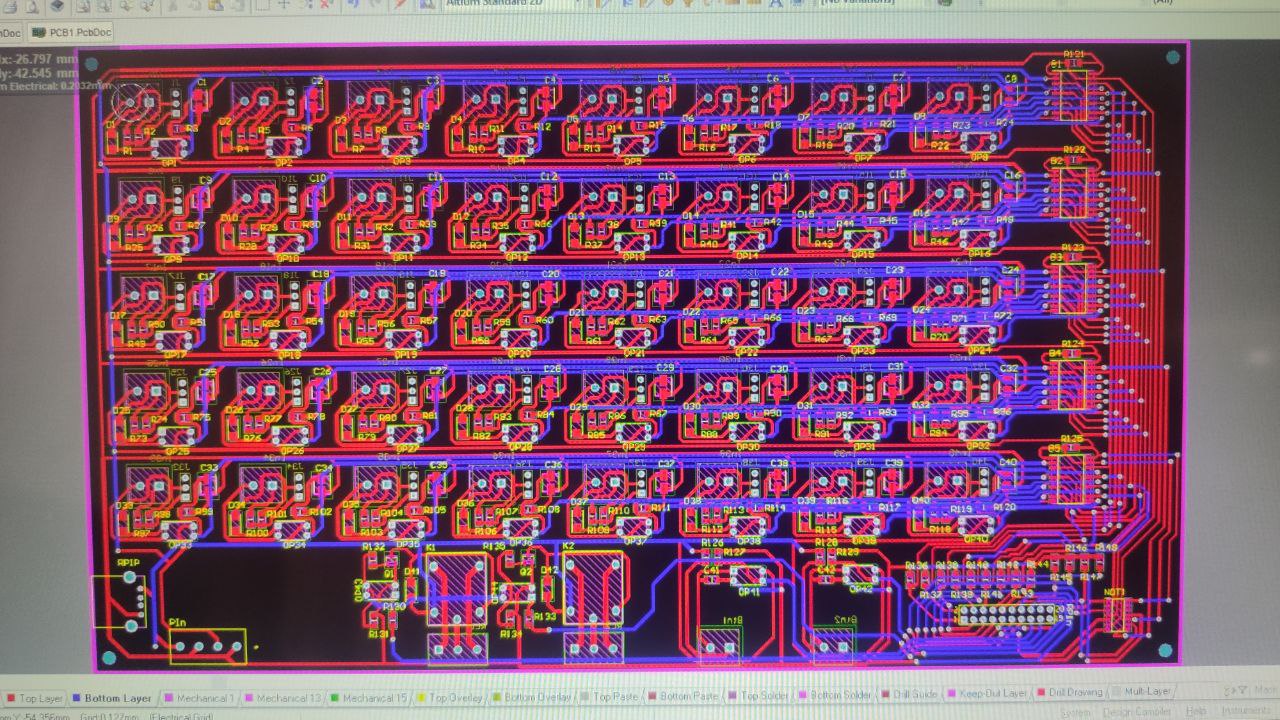
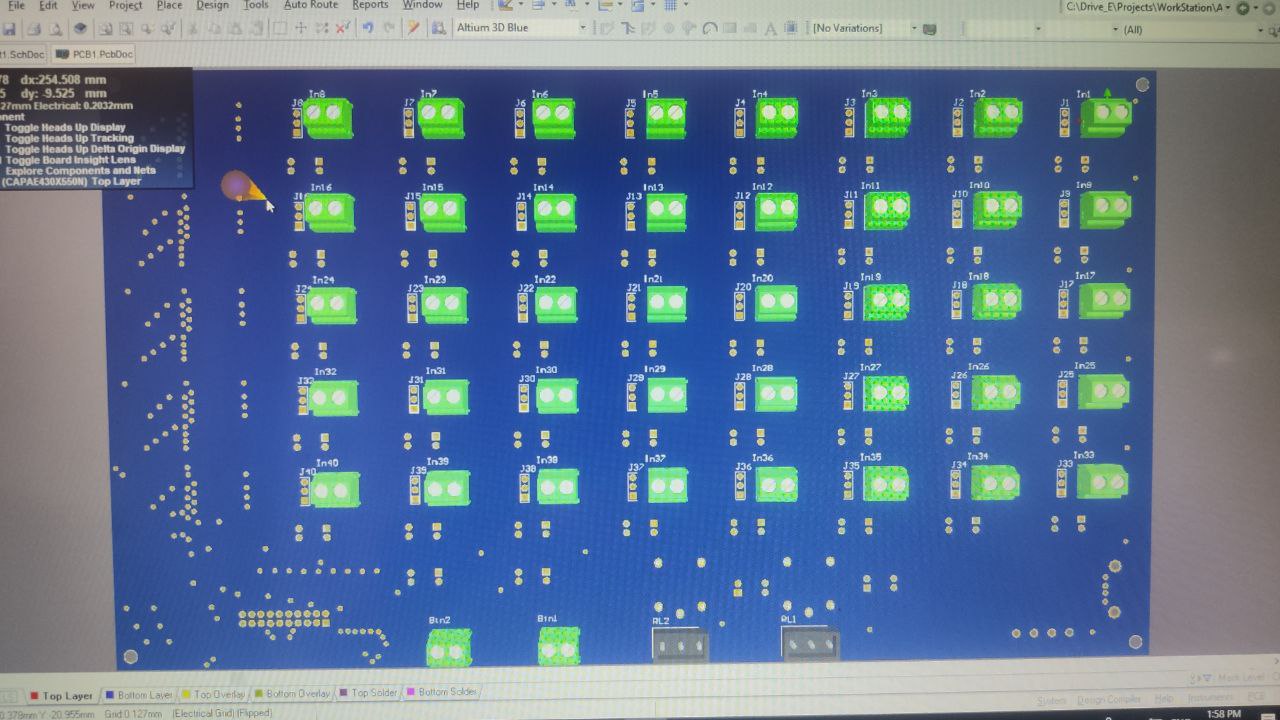
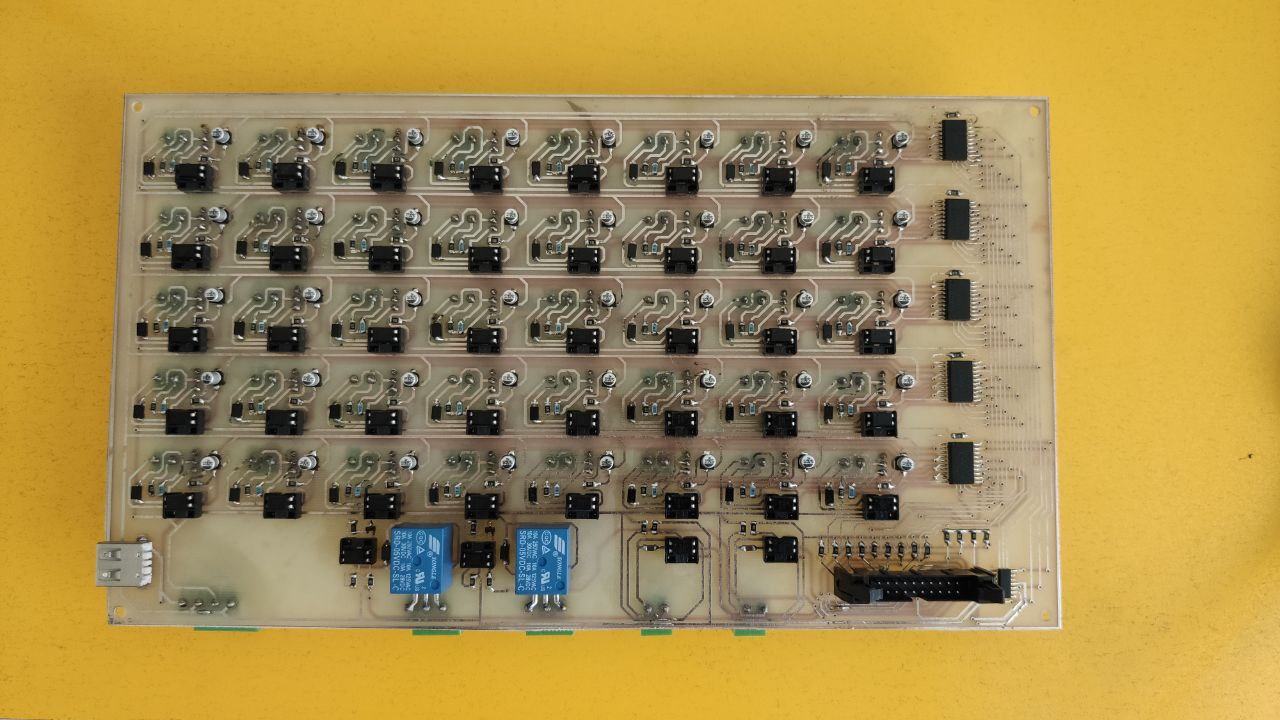
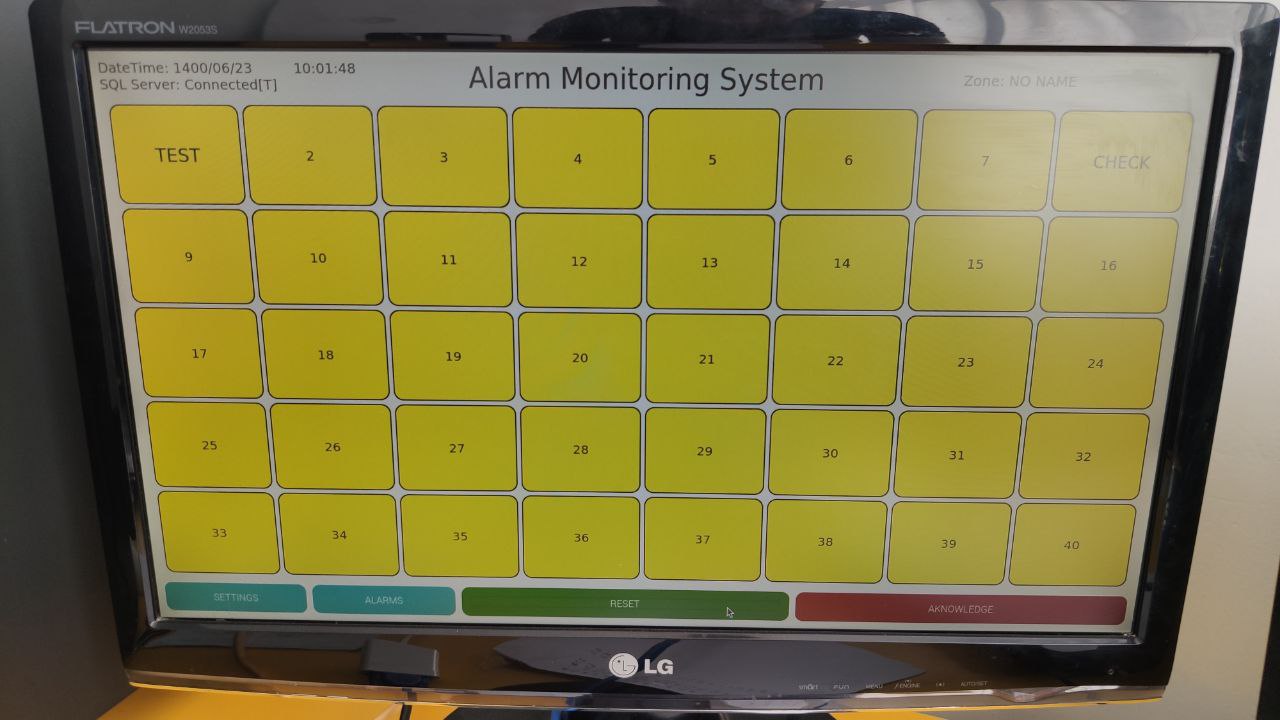
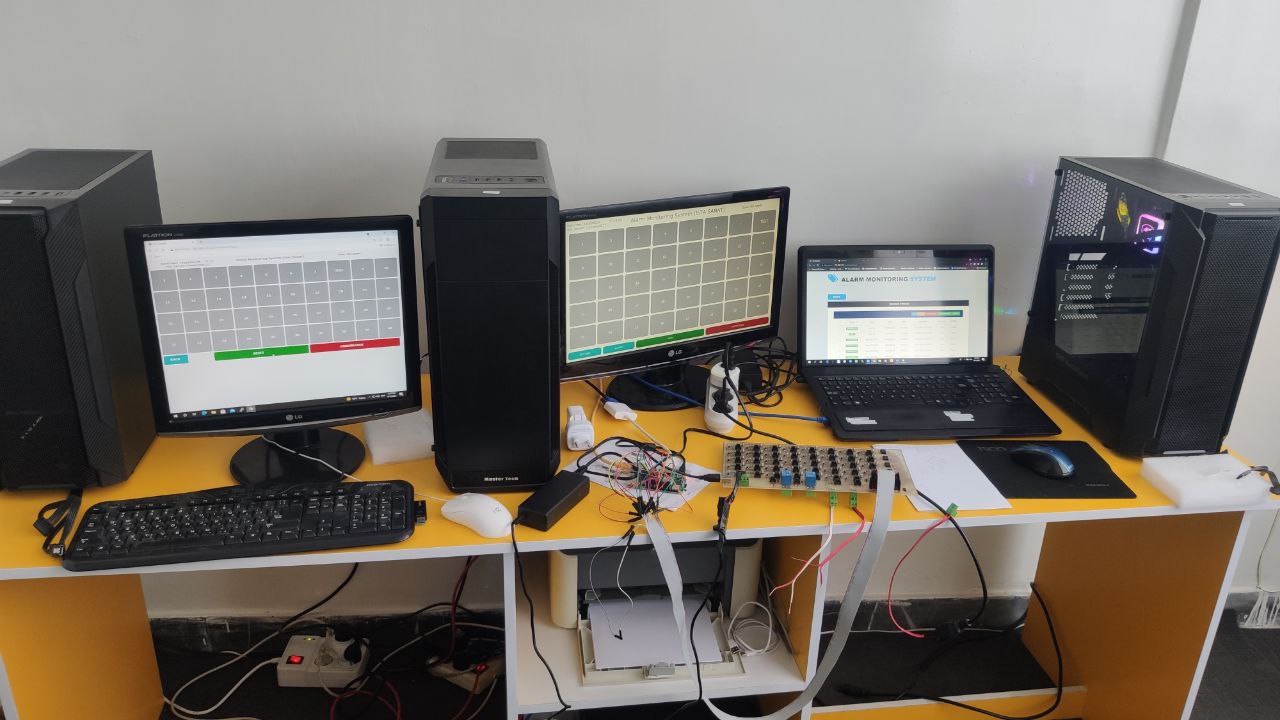
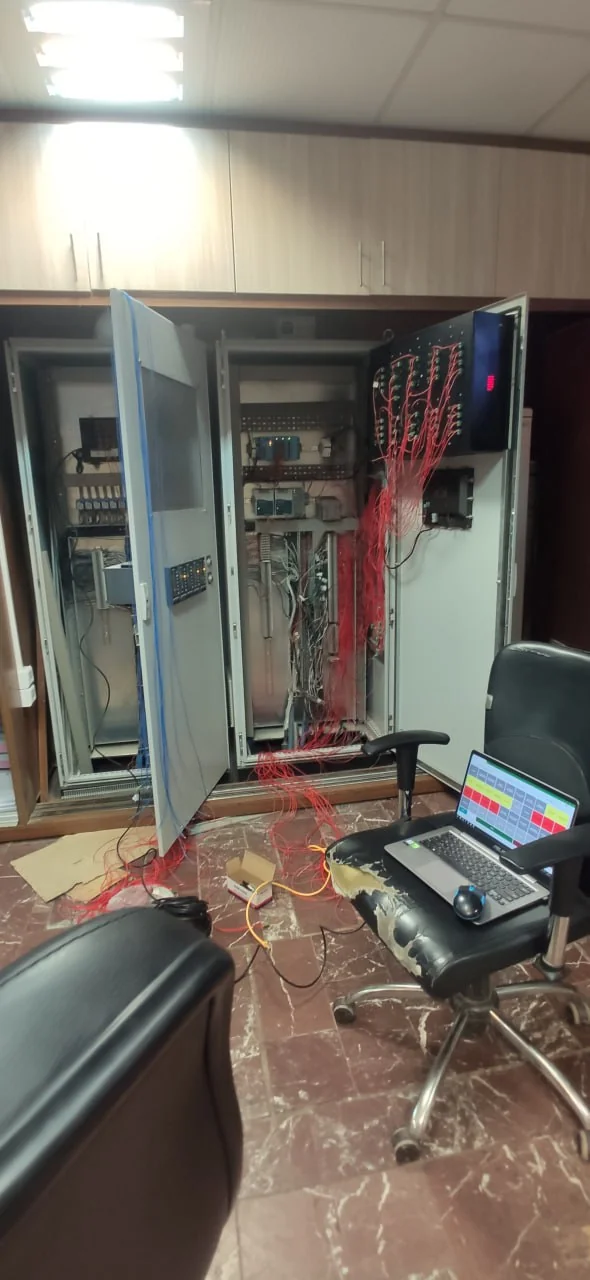
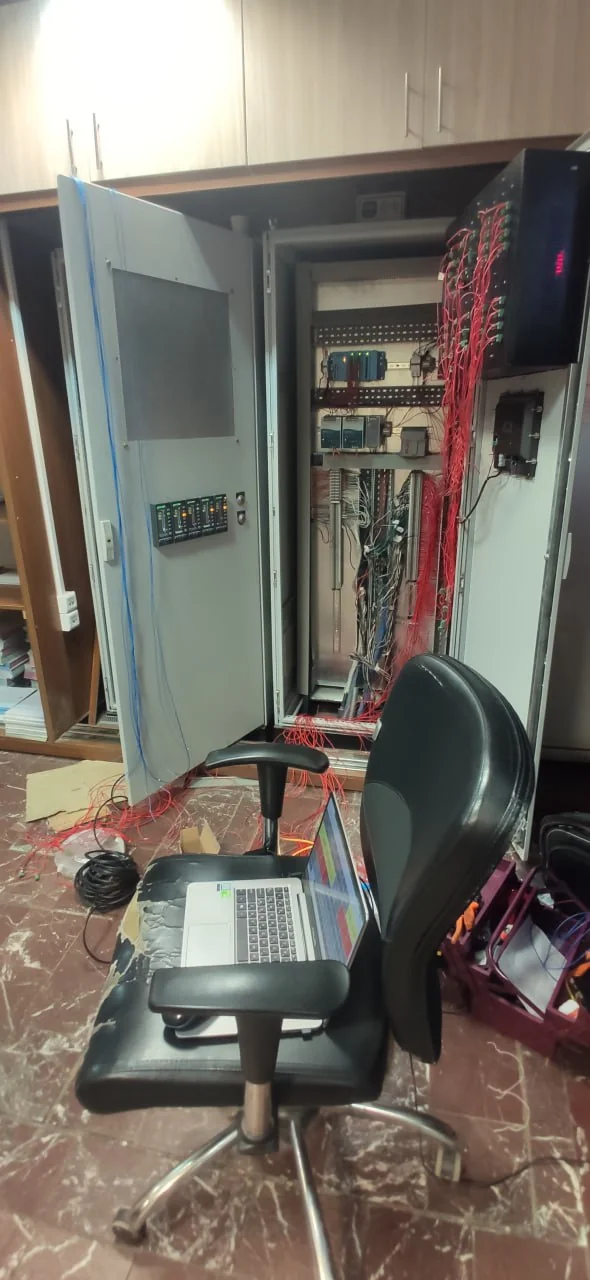
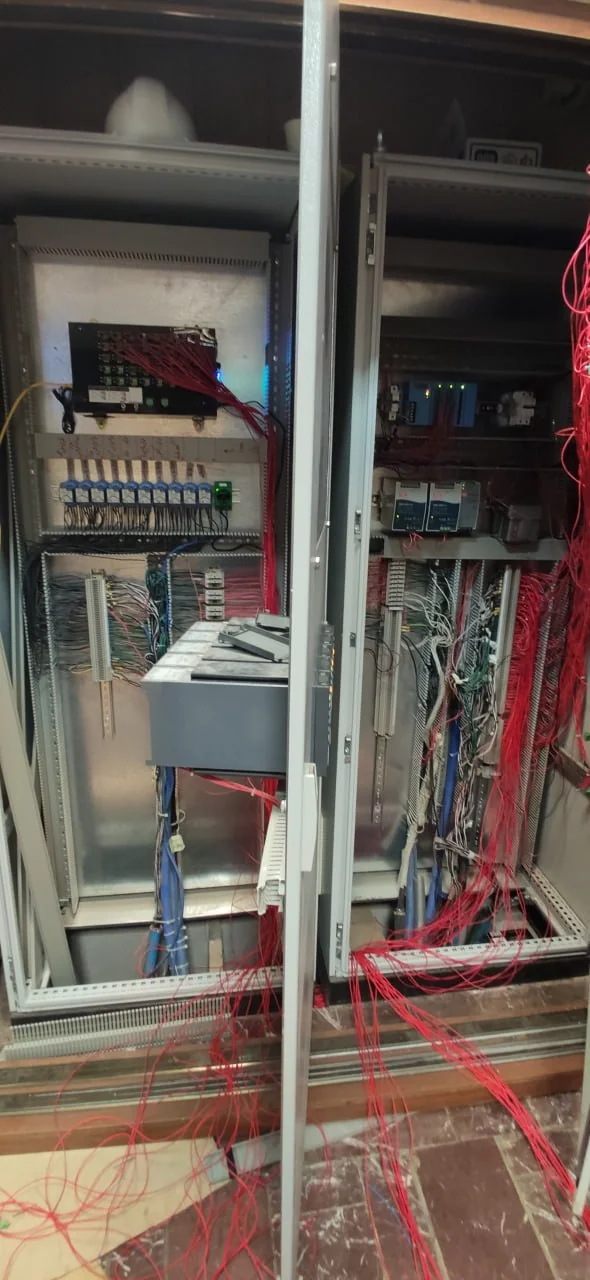
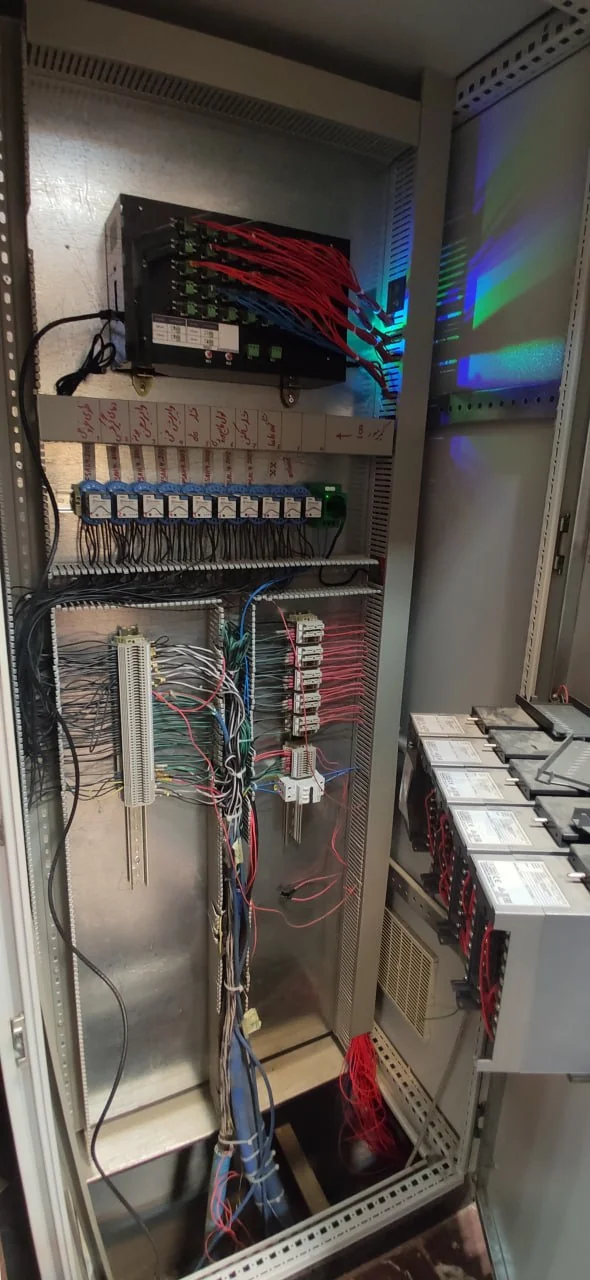
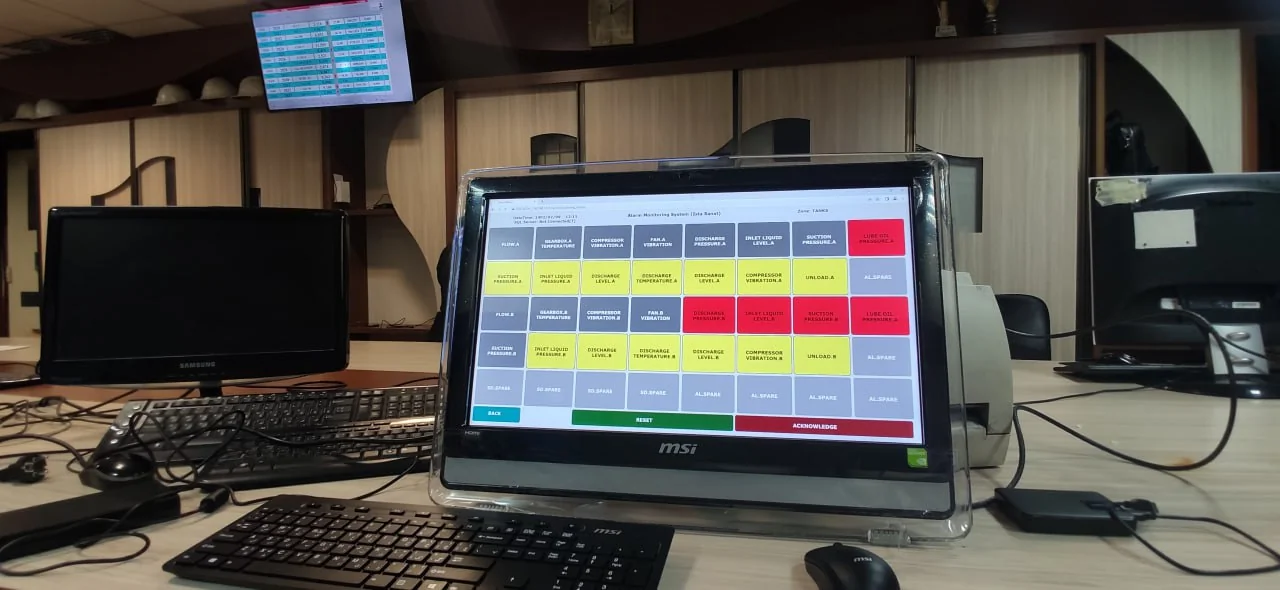
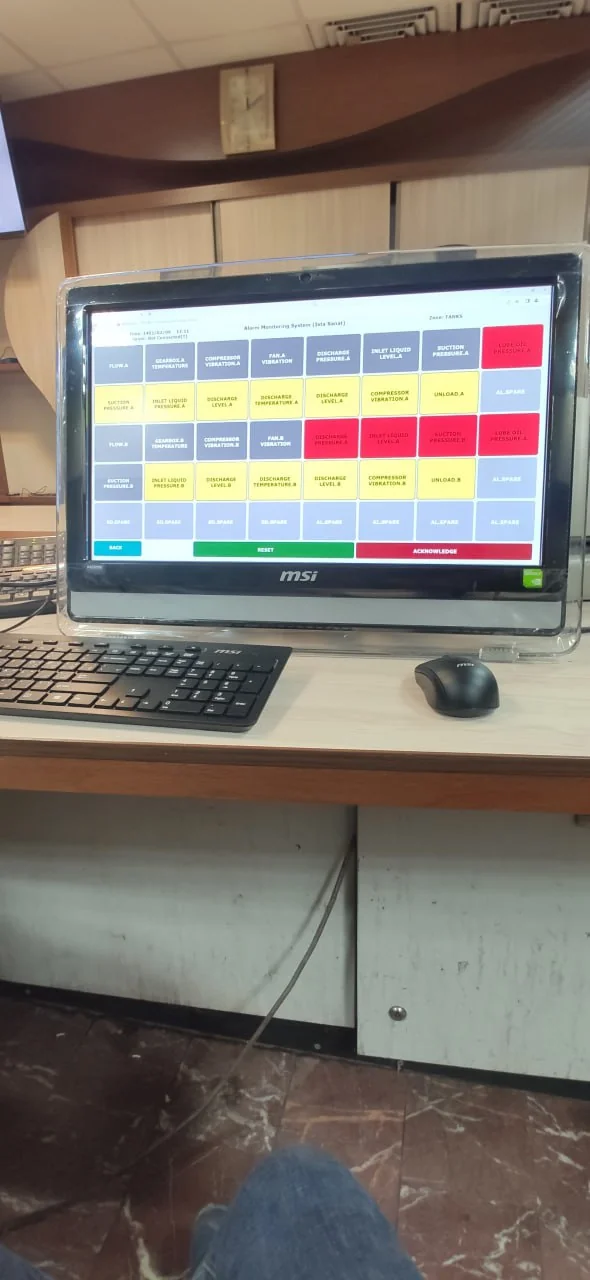
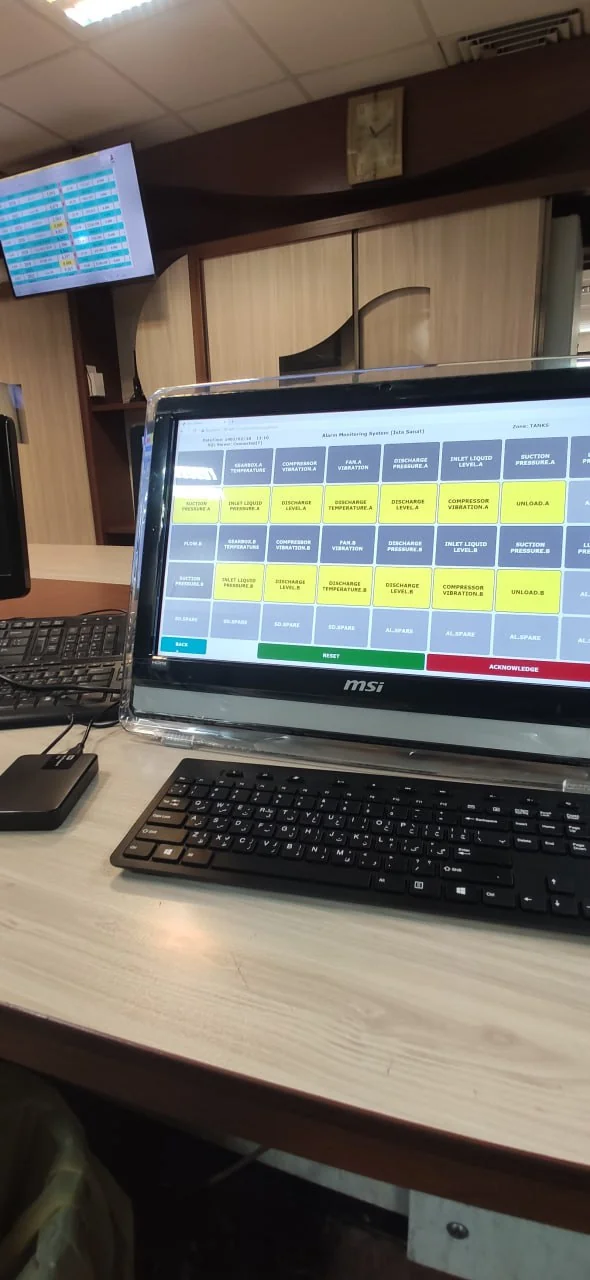
Original hardware photographs, interface views and archival recordings document the monitoring implementation. They show the device and operator workflow; the archive does not provide a measured reliability or deployment study.
Explore 21 project images and 4 archival recordings, with captions identifying the hardware, interface or prototype shown.
Inside the project
21 images
 Enlarge image
 Enlarge image
 Enlarge image
 Enlarge image
 Enlarge image
 Enlarge image
 Enlarge image
 Enlarge image
 Enlarge image
 Enlarge image
 Enlarge image
 Enlarge image
 Enlarge image
 Enlarge image
 Enlarge image
 Enlarge image
 Enlarge image
 Enlarge image
 Enlarge image
 Enlarge image
 Enlarge image
See it in action
Alarm monitoring · 01
Alarm-monitoring walkthrough — part 1. Silent demonstration.
Open videoAlarm monitoring · 02
Alarm-monitoring walkthrough — part 2. Silent demonstration.
Open videoAlarm monitoring · 03
Alarm-monitoring walkthrough — part 3. Silent demonstration.
Open videoAlarm monitoring · 04
Alarm-system walkthrough. Silent demonstration.
Open videoHow the system works
Select a block to explore its role.
A guided illustration of the system components.
Industrial alarm inputs
Forty configurable AC/DC input channels feed the custom board.
Isolation and acquisition
The board uses optocouplers and buffer circuitry; Raspberry Pi GPIO acquires the input states.
Event handling
Python processes alarm events and operator acknowledge/reset commands.
Local persistence
SQLite supports local records when operating standalone.
Operator interfaces
PyQt/HDMI and the local HTTP interface expose state, events and settings.
Network records
The networked mode connects to SQL Server for central access.
The detail behind the build
Preserving the history behind an alarm
An indicator alone cannot explain what happened while an operator was away. This system combines live alarm visibility with stored records so events remain available for review after the initial indication.
Standalone and networked operation
In standalone mode, the device monitors alarms and shutdowns, stores events locally and accepts physical operator commands. In networked mode, it connects to SQL Server and makes the event workflow available across the local network.
Local event storage
Central database connection
Network visibility and control
Three ways to operate the system
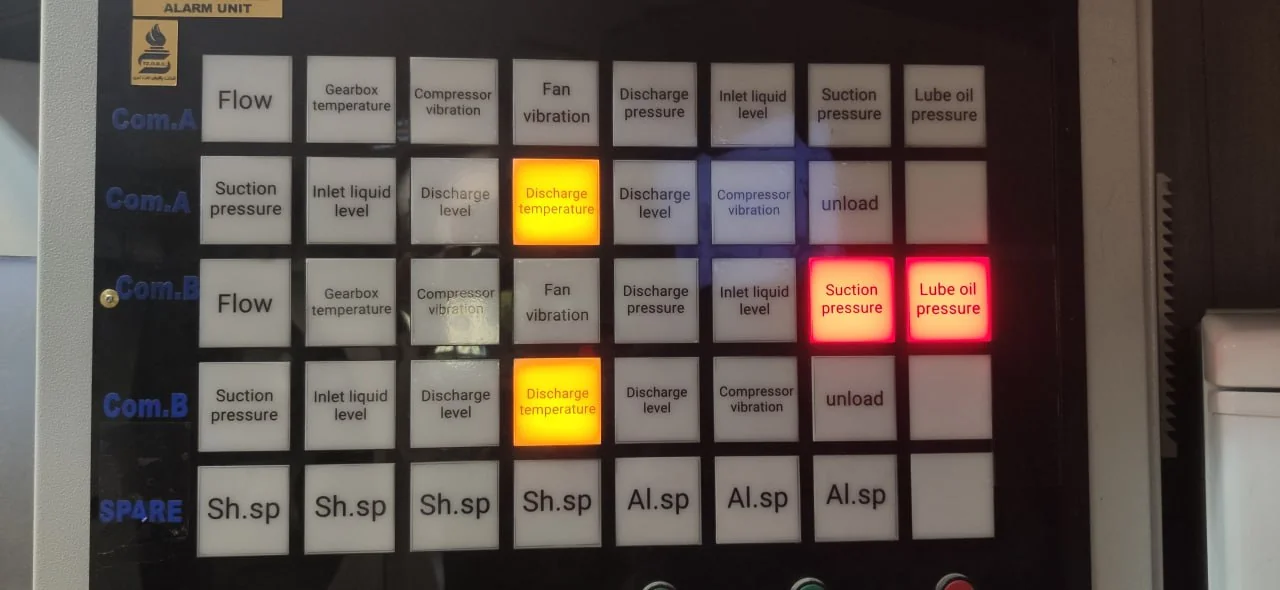
The same alarm workflow is accessible through physical inputs, an HDMI interface and a browser. Operators can acknowledge and reset alarms, change channel titles and input modes, and configure the displayed alarms.
Hardware acknowledge/reset controls
PyQt interface on HDMI
Local-network web interface
Forty channels, one interface
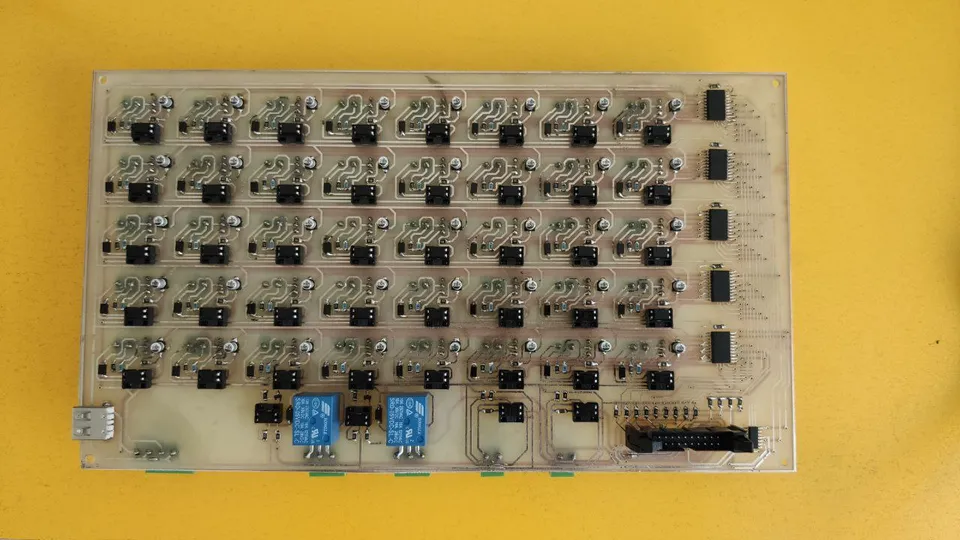
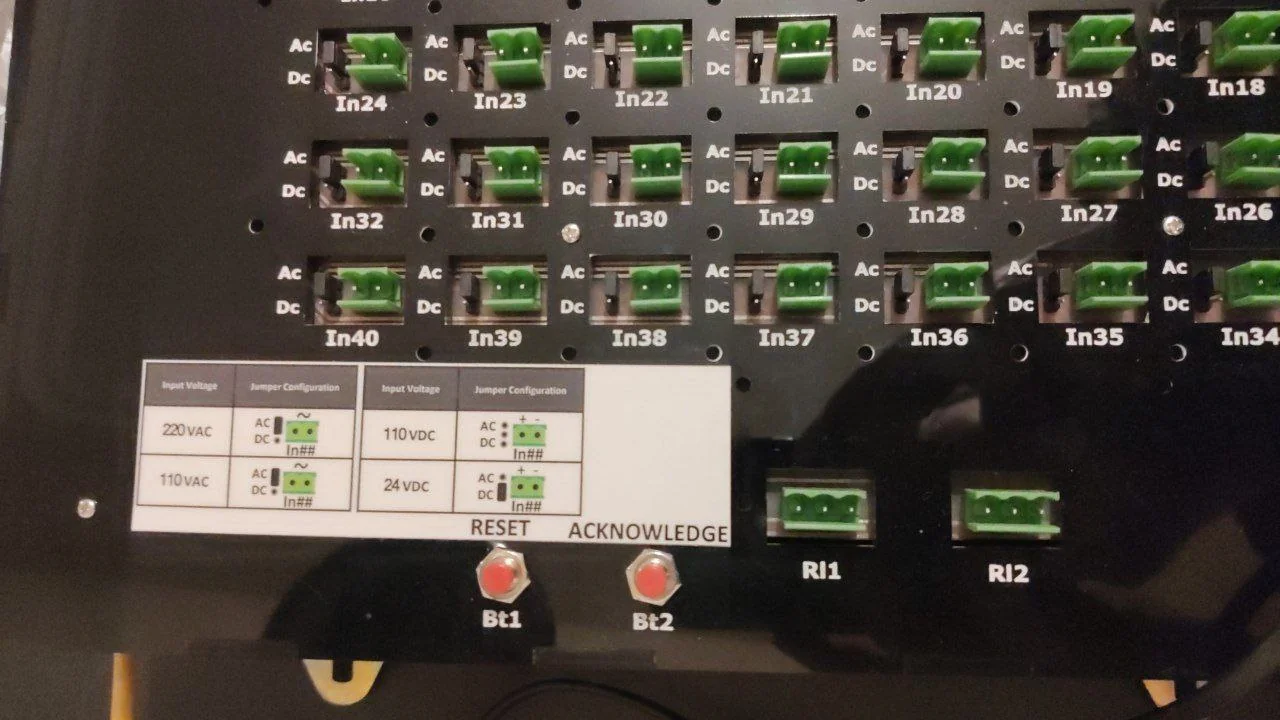
The custom board provides 40 AC/DC input channels with optocoupler isolation and buffer circuitry. Configurable jumpers adapt the input arrangement. I developed the software and system integration; Mohammad Khodadadeh designed the hardware and Hossein Aalamshahi managed the project.
Configuration and service tools
The browser interface brings together general settings, USB-device information, network status, saved events and live alarm controls. Local event lists and export functions support maintenance and review.
Software, hardware & tools.
Software
- Python application & operator interface
- Local event storage & SQL Server integration
Hardware
- Raspberry Pi
- Custom 40-channel AC/DC input board
- Optocouplers
- Buffer circuitry
- HDMI display
- Physical acknowledge/reset inputs
Technology stack
- Python
- System integration
- Industrial monitoring
Project contributions.
- Mohammad Khodadadeh
- Hardware design
- Hossein Aalamshahi
- Project management
Working on a related challenge?
Get in touch about Python, embedded systems or a research opportunity.
Fire & Smoke Vision Prototype
Computer vision