Networked Polling Terminals
A client/server polling system connecting Raspberry Pi terminals to a central desktop monitoring and reporting application.
Python client/server application development
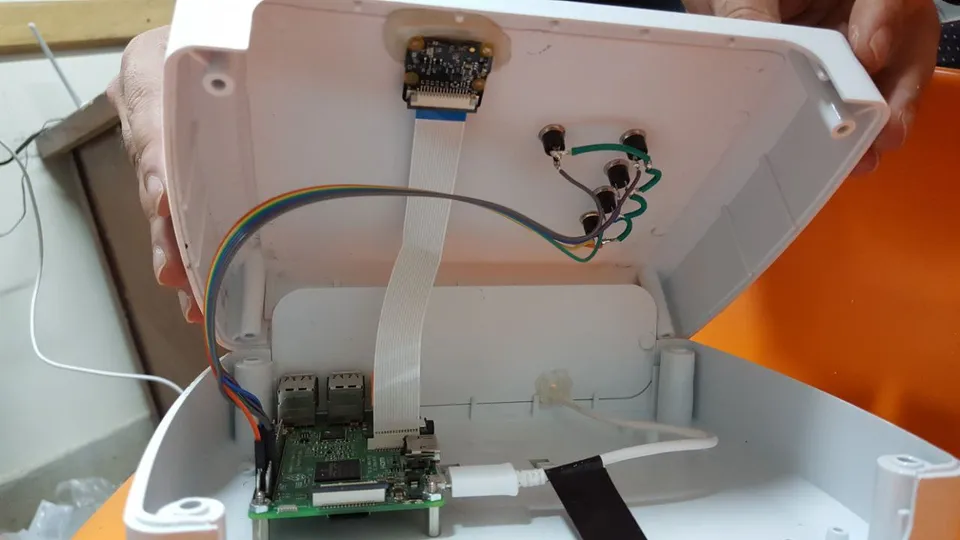
What stands out.
- Local buffering & reconnection sync
- Central poll setup & reporting
- Five-terminal physical demonstration
From the problem to the implementation.
The problem
Organizations need to collect responses at several locations and review their status and results in one place.
The approach
- Programmed networked Raspberry Pi client and Python server components.
- Built PyQt interfaces for poll setup, device status and live totals.
- Added reporting workflows with filters for location, date, time and response.
What came together
A distributed polling application with terminal interfaces, centralized data and an operator reporting workflow.
Inside the project
9 images
 Enlarge image
 Enlarge image
 Enlarge image
 Enlarge image
 Enlarge image
 Enlarge image
 Enlarge image
 Enlarge image
 Enlarge image
See it in action
Simulated polling workflow
Simulated demonstration — polling workflow. Silent demonstration.
Open videoFive-terminal test
Test with five polling terminals operating together. Silent demonstration.
Open videoDesktop reporting application
Polling-system Windows reporting demonstration. Silent demonstration.
Open videoHow the system works
Select a block to explore its role.
A guided illustration of the system components.
Polling terminal
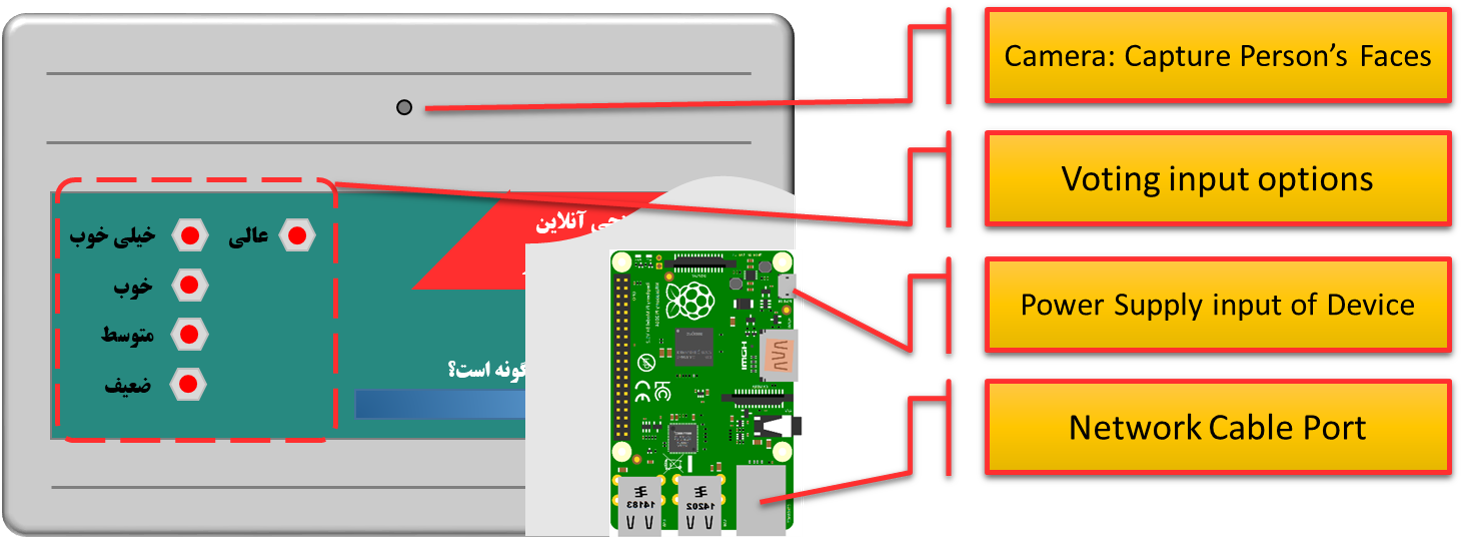
Raspberry Pi client collects a response at the device.
Local buffer
SQLite stores submissions when the network is unavailable.
Synchronization
The client transfers queued records after reconnection.
Central data
SQL Server stores records from the connected terminals.
Windows application
PyQt provides poll setup, device status, live totals and reporting.
The detail behind the build
Terminals and a central operator application
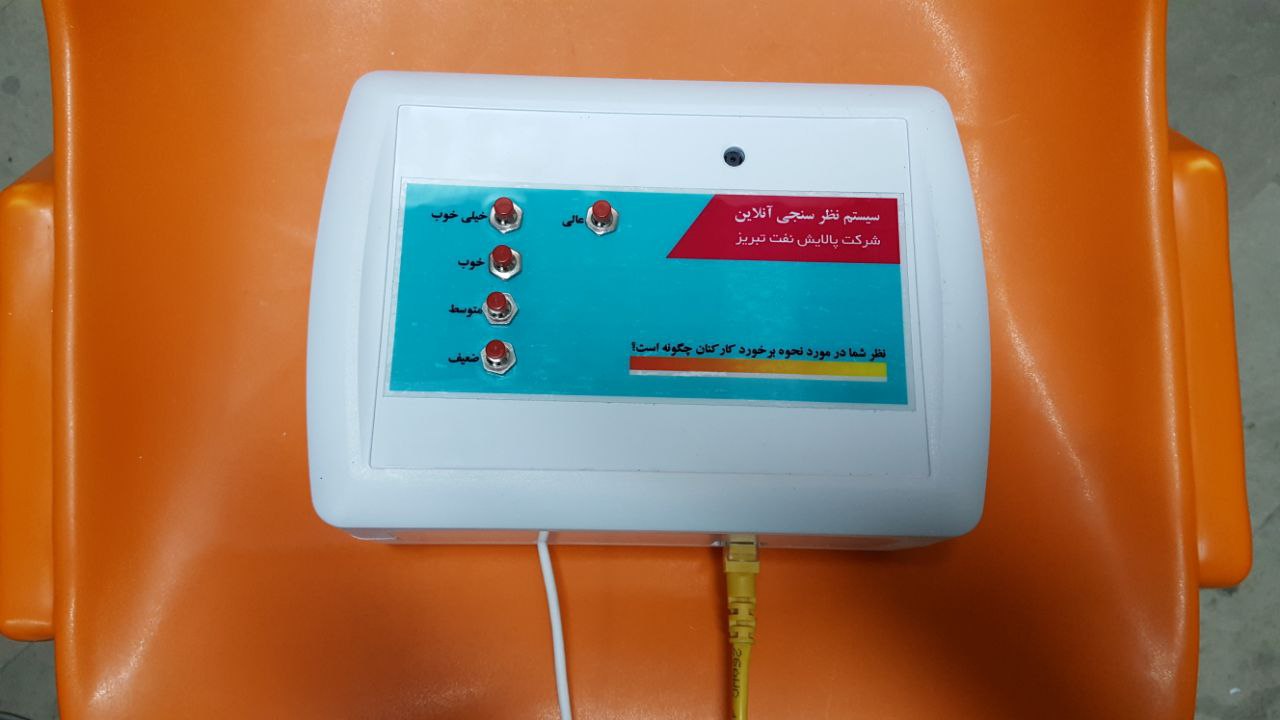
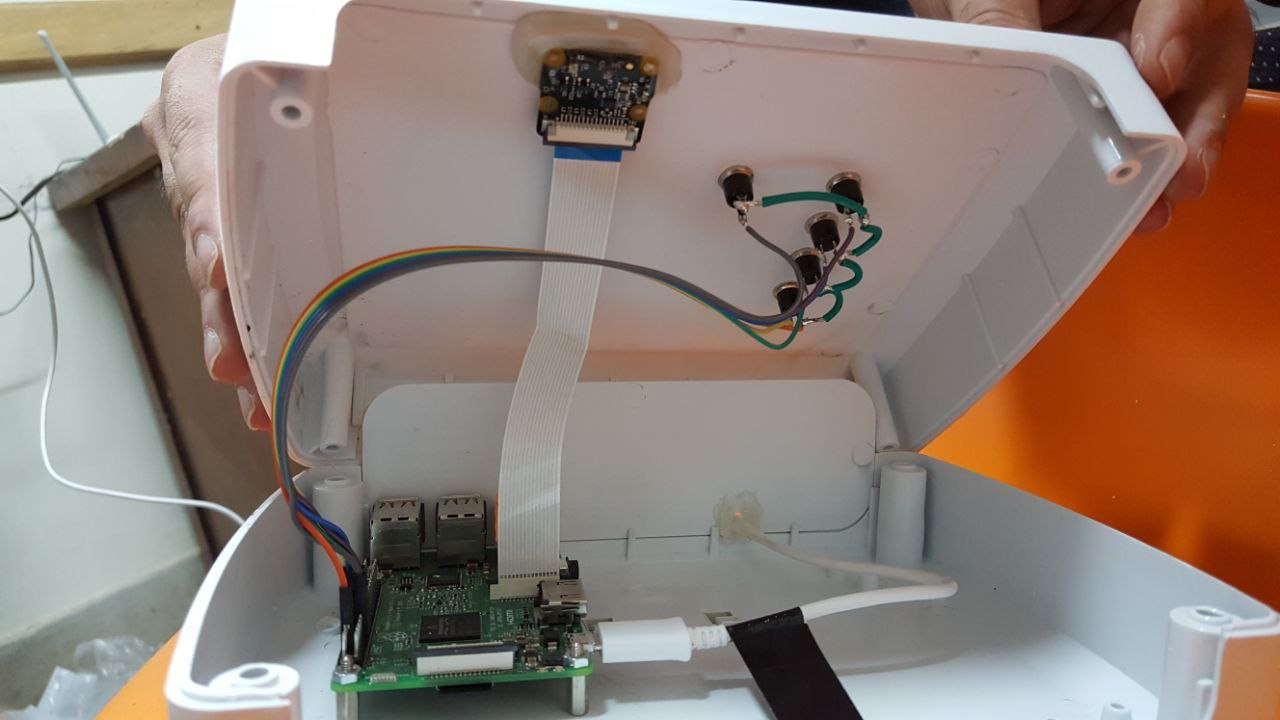
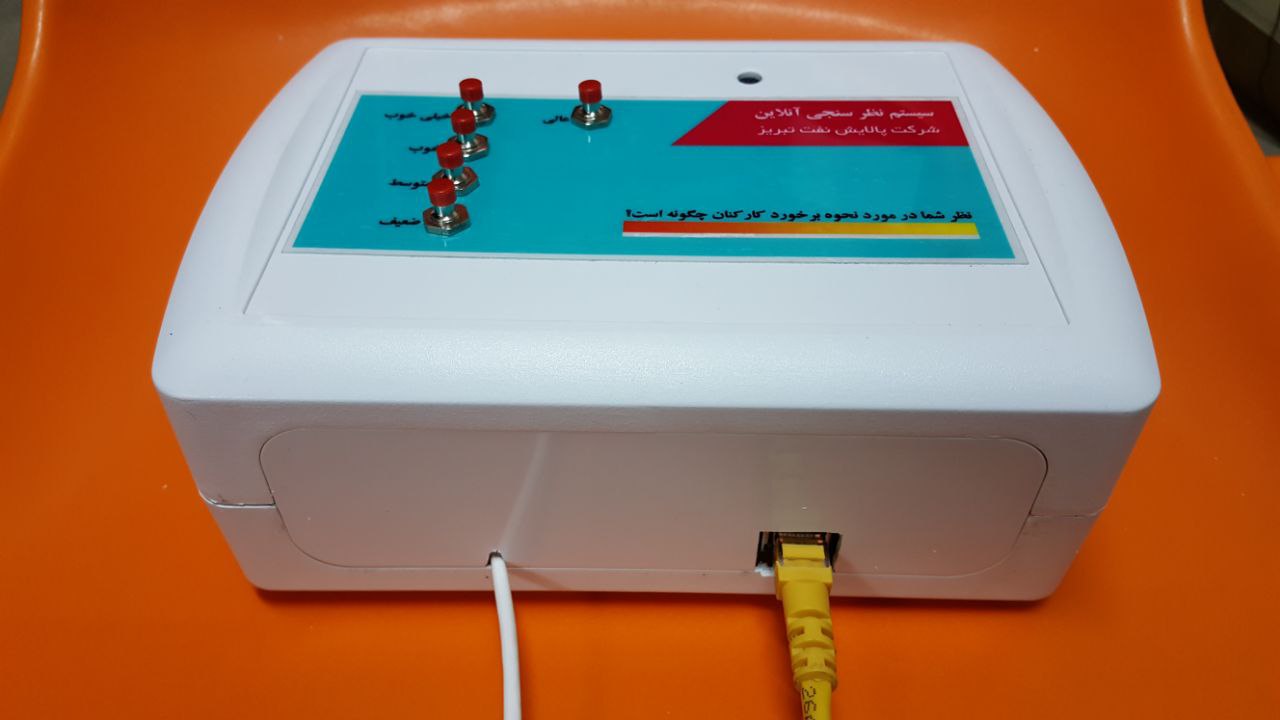
Raspberry Pi polling terminals collect responses at different locations. A Windows application creates polls, selects the active poll, monitors device status and displays results.
Recording through a disconnection
When a terminal loses its network connection, it stores responses locally. After reconnection, queued records are synchronized with the server and transferred local records are cleared. Device time is synchronized periodically from the network/server.
Making results useful
The Python/PyQt application shows counts and percentages for the full system or an individual terminal, monitors incoming responses and provides reporting filters such as region, date, time and selected option.
Seeing the system work
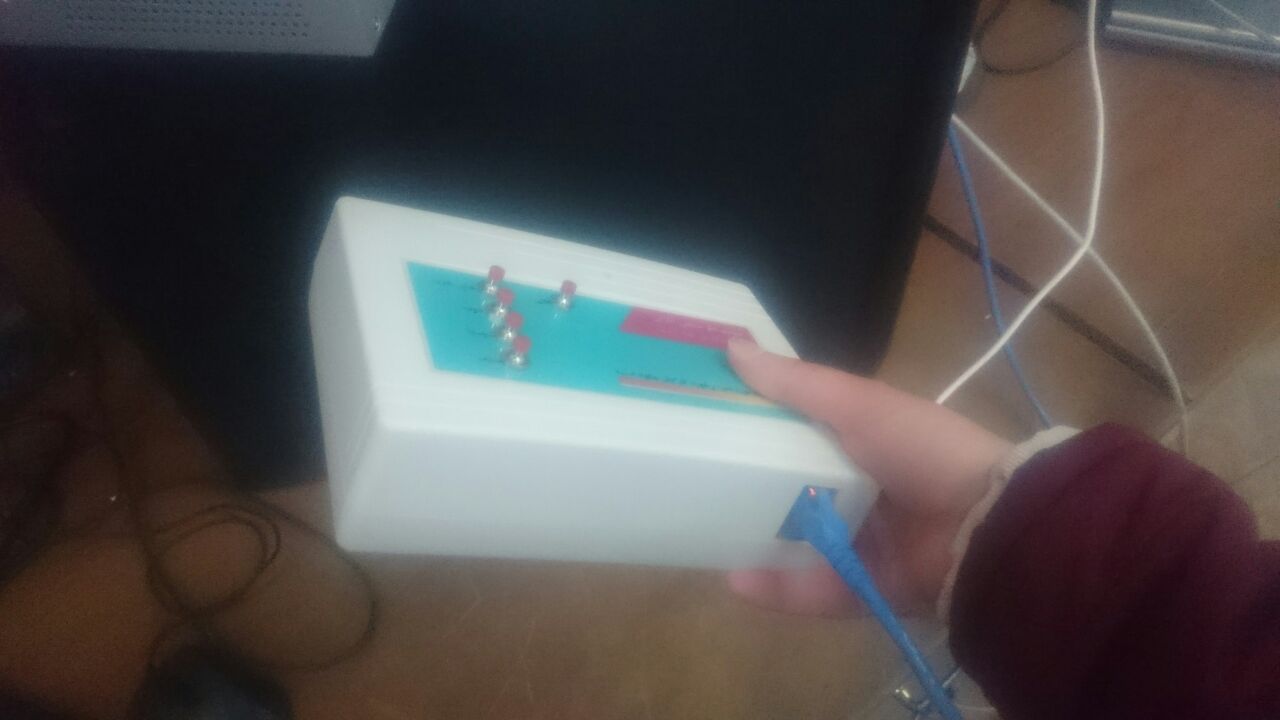
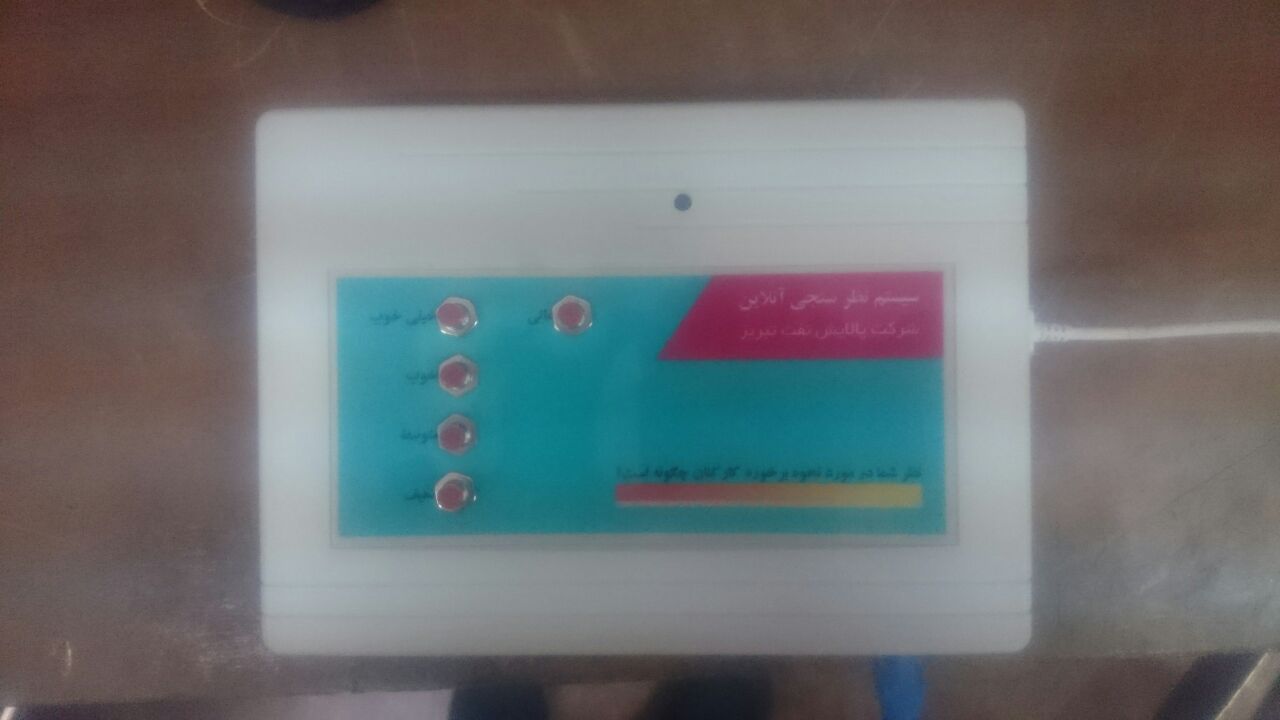
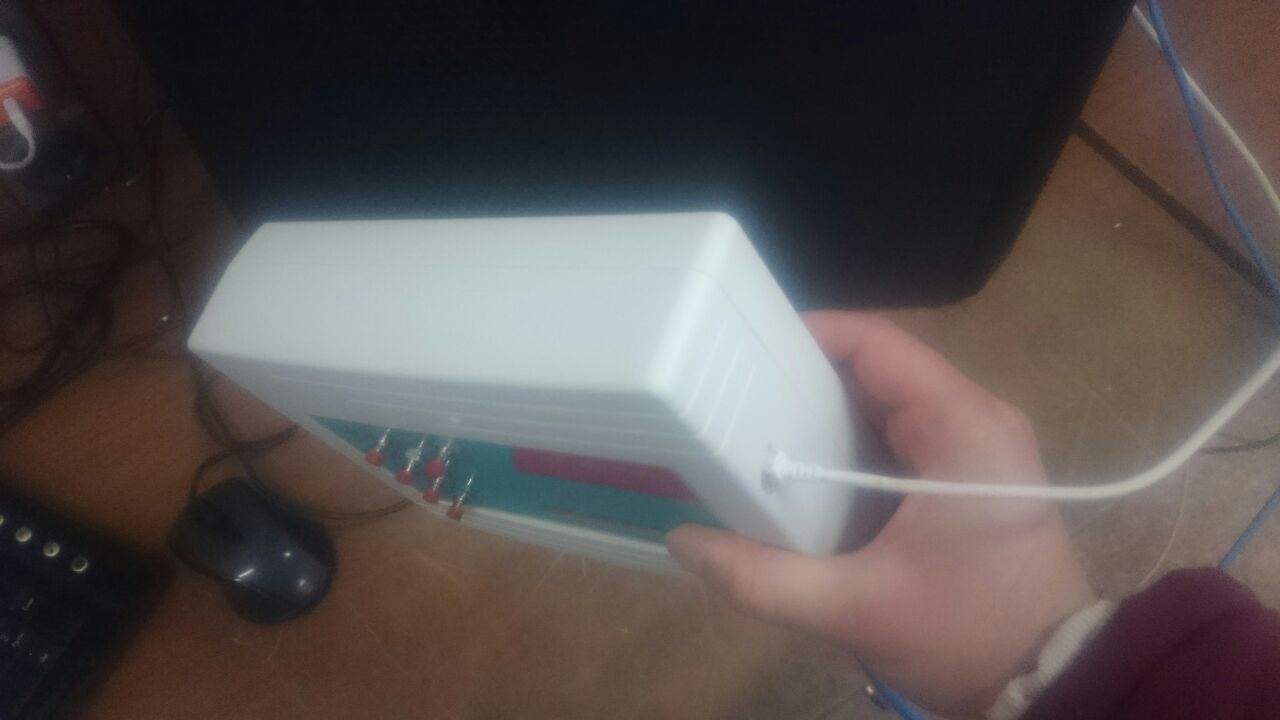
The media includes a physical demonstration with five terminals, a simulated workflow and a reporting-interface demonstration. Together, they explain the relationship between the devices, central data and operator controls.
Software, hardware & tools.
Software
- Python client/server applications
- Local buffering & central SQL Server records
Hardware
- Raspberry Pi terminals
- Pi Camera
- Custom PCB
- Local-network connection
Technology stack
- Client/server systems
- Offline synchronization
- Reporting
Project contributions.
- Hossein Aalamshahi
- System design
Working on a related challenge?
Get in touch about Python, embedded systems or a research opportunity.
Object Detection & Tracking on Zynq
FPGA & embedded vision